
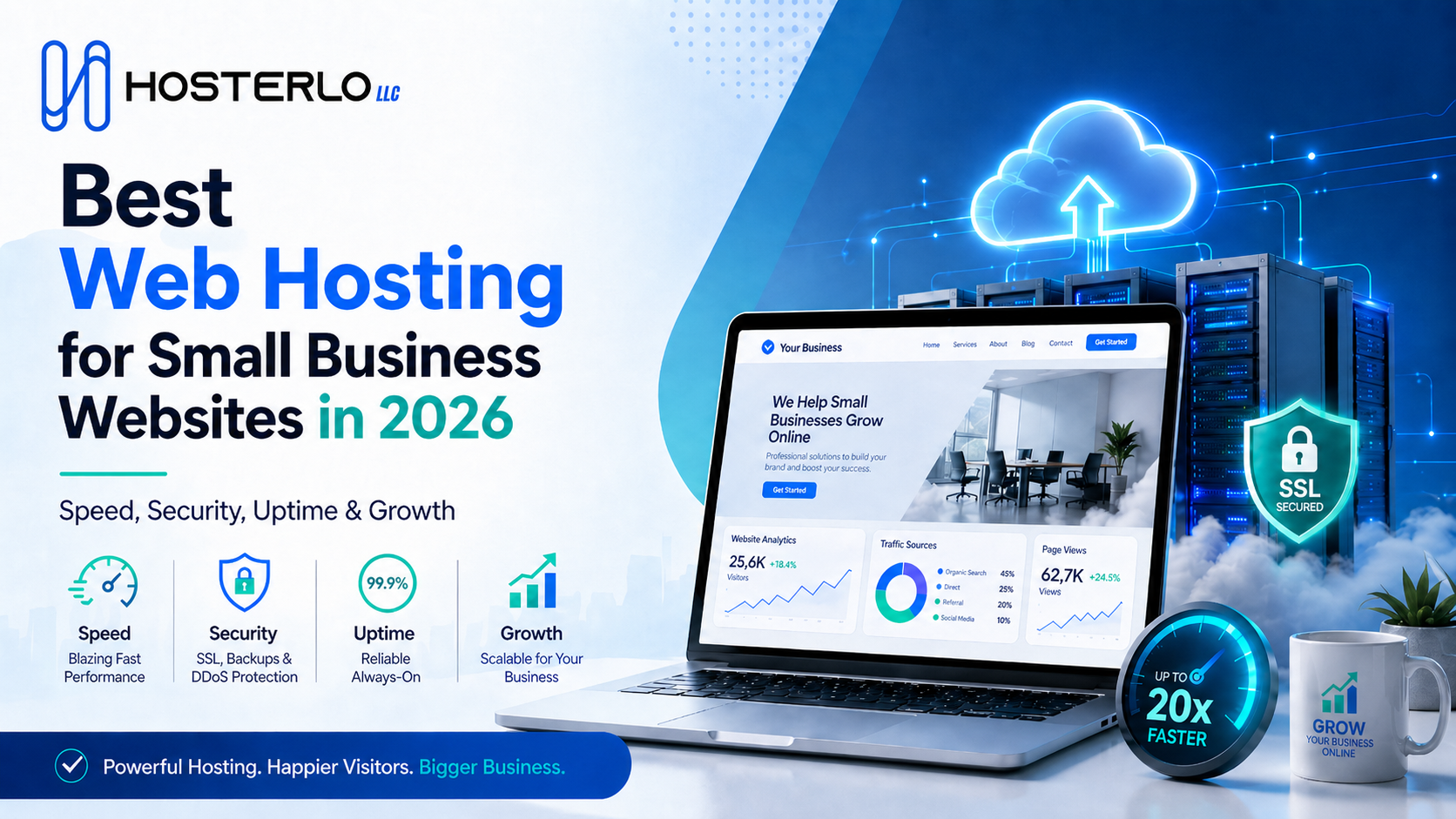
Choosing the Best Web Hosting for a small business website is one of the most important decisions you can make before going online. Your hosting affects your website speed, security, uptime, user experience, search engine rankings, and even customer trust. A good website is not only about design and content. It also needs a strong hosting foundation that keeps it fast, safe, and available whenever visitors land on it.
For startups, service businesses, ecommerce stores, bloggers, and local brands, reliable hosting can make the difference between gaining customers and losing them. That is why small businesses should focus on hosting that offers performance, protection, simple control, and room to grow. With solutions from Hosterlo, businesses can build a more stable online presence without making website management complicated.
Why Small Businesses Need Reliable Web Hosting?
A small business website often works like a digital shop, sales team, portfolio, and customer support point at the same time. If the website loads slowly or goes offline, visitors may leave before they read your services or products. This directly affects leads, sales, and brand reputation. Reliable Best Web Hosting keeps your website active, fast, and secure so customers can reach you anytime.
Today, users expect websites to open quickly. A delay of even a few seconds can increase bounce rate and reduce conversions. Search engines also prefer websites that provide a better user experience. This means website speed, uptime, mobile performance, and technical stability all matter for SEO. For small businesses trying to compete online, good hosting is not an extra feature. It is a basic requirement.
What Makes the Best Web Hosting for Small Businesses?
The Best Web Hosting for small businesses should combine speed, security, affordability, and easy management. Many business owners are not technical experts, so hosting should be simple to use. A clean control panel, one-click installation, customer support, and easy email setup are important features.
Another major factor is scalability. A new business website may start with limited traffic, but as marketing improves, traffic can grow. Your hosting should support that growth without forcing you to rebuild your website from scratch. Whether you run a WordPress website, online store, blog, agency website, or service-based business site, your hosting should make growth easier.
Security is also essential. Small business websites can be targeted by spam, malware, and hacking attempts. Features like free SSL certificate, daily backups, malware protection, and secure server settings help protect your website and customer data.
Key Features to Look for in Small Business Hosting
When choosing Best Web Hosting small business hosting, you should focus on features that directly support performance and trust. The first feature is fast website loading speed. A fast website keeps visitors engaged and improves the overall browsing experience. Hosting with optimized servers, good storage technology, and reliable resources can help your pages load faster.
The second feature is strong uptime guarantee. Uptime means how often your website remains online. If your site is frequently down, customers cannot contact you, place orders, or learn about your services. Reliable uptime helps your business stay available 24/7.
The third feature is free SSL certificate. SSL adds HTTPS to your website and helps protect user information. It also builds trust because visitors can see that your website is secure. Search engines also consider HTTPS important for website credibility.
Another important feature is business email hosting. A professional email address using your domain name looks more trustworthy than a free email account. For example, an email like info@yourbusiness.com looks more professional and helps build brand authority.
Shared Hosting vs WordPress Hosting
Many small business owners get confused between shared hosting and WordPress hosting. Shared hosting is usually a budget-friendly option where multiple websites share server resources. It is suitable for small websites, starter blogs, portfolio sites, and basic business websites. It is affordable and easy to manage, making it a good starting point for many new businesses.
WordPress hosting, on the other hand, is optimized specifically for WordPress websites. It may include better caching, improved performance, automatic updates, WordPress security features, and simple installation. If your website is built on WordPress, this type of hosting can make management easier and performance stronger.
The Best Web Hosting option depends on your business needs. If you are starting a simple business website, shared hosting can work well. If you want a more optimized WordPress experience, then WordPress hosting may be the smarter choice.
Why Website Speed Matters for SEO and Sales?
Website speed is one of the most important factors for online success. Visitors do not like waiting for pages to load. If your website is slow, they may leave and visit a competitor instead. This can reduce sales, leads, calls, and form submissions.
Speed also supports SEO. Search engines want to show users helpful pages that load quickly and work well on mobile devices. A fast website improves crawlability, user experience, and engagement. For businesses targeting competitive keywords, fast web hosting can support better rankings when combined with quality content and proper SEO.
Small businesses should also think about mobile users. Many people visit websites from smartphones, especially when searching for local services. If your site performs poorly on mobile, you may lose valuable customers. Good hosting helps your website respond quickly across devices.
Security Features Every Business Website Needs
Website security is not only important for large companies. Small businesses also need protection because even a basic website can be attacked. A secure hosting provider should offer SSL, backups, server monitoring, secure access, and protection against common threats.
Daily backups are especially important. If your website breaks, gets hacked, or loses data, backups help you restore it quickly. Without backups, you may lose important pages, customer information, blog posts, or product data.
SSL is another must-have security feature. It protects the connection between your website and visitors. This is important for contact forms, login pages, payment pages, and any page where users share information. A secure site also makes customers more comfortable when interacting with your business online.
The Role of cPanel and Easy Website Management
Not every small business has a developer available all the time. This is why easy management tools matter. cPanel hosting is popular because it gives users a simple dashboard to manage files, emails, databases, domains, SSL, and backups. It helps business owners handle basic website tasks without advanced technical knowledge.
With a user-friendly control panel, you can create professional emails, install WordPress, manage your domain, check storage, and access website files. This makes hosting less stressful and gives you more control over your online presence.
For small businesses, simple hosting management saves time and money. Instead of depending on someone for every small change, business owners can manage basic features themselves.
How Free Migration Helps Growing Businesses?
Many businesses already have a website but are unhappy with their current hosting provider. Maybe the website is slow, support is poor, emails are not working properly, or the site faces downtime. In such cases, free website migration can be a valuable service.
Migration means moving your website from one hosting provider to another. If done incorrectly, it can cause downtime, broken pages, missing files, or email issues. A reliable hosting provider can help move your website safely with minimum disruption.
This is useful for businesses that want better speed, stronger support, or more reliable hosting without losing their existing website data. It also helps business owners upgrade their online presence without starting from zero.
Why Hosterlo Is a Smart Choice for Small Businesses?
Hosterlo gives small businesses a practical way to build and manage their websites with essential hosting features. From domain registration and shared hosting to WordPress hosting, SSL, backups, and professional emails, it provides tools that support business websites from launch to growth.
A small business needs hosting that is not only affordable but also reliable and easy to use. Having important features in one place makes website management smoother. Instead of handling domains, hosting, email, security, and backups separately, businesses can manage their online setup more efficiently.
This type of hosting support is especially helpful for business owners who want a professional online presence without dealing with unnecessary technical stress.
How to Choose the Best Web Hosting Plan?
Before selecting a plan, think about your website goal. If you need a simple company website with a few pages, a starter plan may be enough. If you want to run a blog, ecommerce store, or high-traffic WordPress website, you may need more storage, speed, and resources.
The Best Web Hosting plan should match your current needs while giving you space to grow. Look at storage, bandwidth, email accounts, SSL, backups, support, and WordPress compatibility. Do not choose hosting only because it is cheap. Very low-cost hosting may lack performance, security, or support.
Also, check how easy it is to upgrade later. As your traffic grows, your hosting plan should be able to grow with your business. This saves time and avoids future technical problems.
Common Hosting Mistakes Small Businesses Should Avoid
One common mistake is buying hosting without checking features. Some plans may look cheap but do not include SSL, backups, email, or enough resources. This can create extra costs later.
Another mistake is ignoring support quality. When your website has an issue, fast support becomes very important. A delayed response can affect your business, especially if your website is down or emails stop working.
Many businesses also forget about security. They launch a website but do not set up SSL, backups, or regular updates. This increases the risk of data loss and technical problems. Good hosting should make these protections easier.
The Best Web Hosting for a small business website is the one that gives you speed, security, uptime, easy control, and reliable support. Your website is often the first place customers visit before trusting your brand, so it must perform well. Features like WordPress hosting, free SSL, business email, daily backups, cPanel, and migration support can make website management much easier. Hosterlo helps businesses create a stronger online foundation with hosting features designed for real website needs. When your hosting is reliable, your website can focus on what matters most: attracting visitors, building trust, and turning them into customers.
FAQs About Best Web Hosting
1. What type of hosting is best for a small business website?
For most small businesses, shared hosting is a good starting point because it is affordable and easy to manage. If your website is built on WordPress, then WordPress hosting can be a better option because it is optimized for speed, security, and easier WordPress management.
2. Why is SSL important for business websites?
SSL protects the connection between your website and visitors. It adds HTTPS to your domain, improves trust, and helps secure forms, login details, and customer information. A website without SSL may look unsafe to users and can reduce confidence in your business.
3. Can I move my existing website to a new hosting provider?
Yes, you can move your existing website to a new hosting provider through website migration. A good hosting provider can help transfer your files, database, emails, and settings properly so your website continues working with minimum downtime.
Leave a Reply